AR drawing on real paper
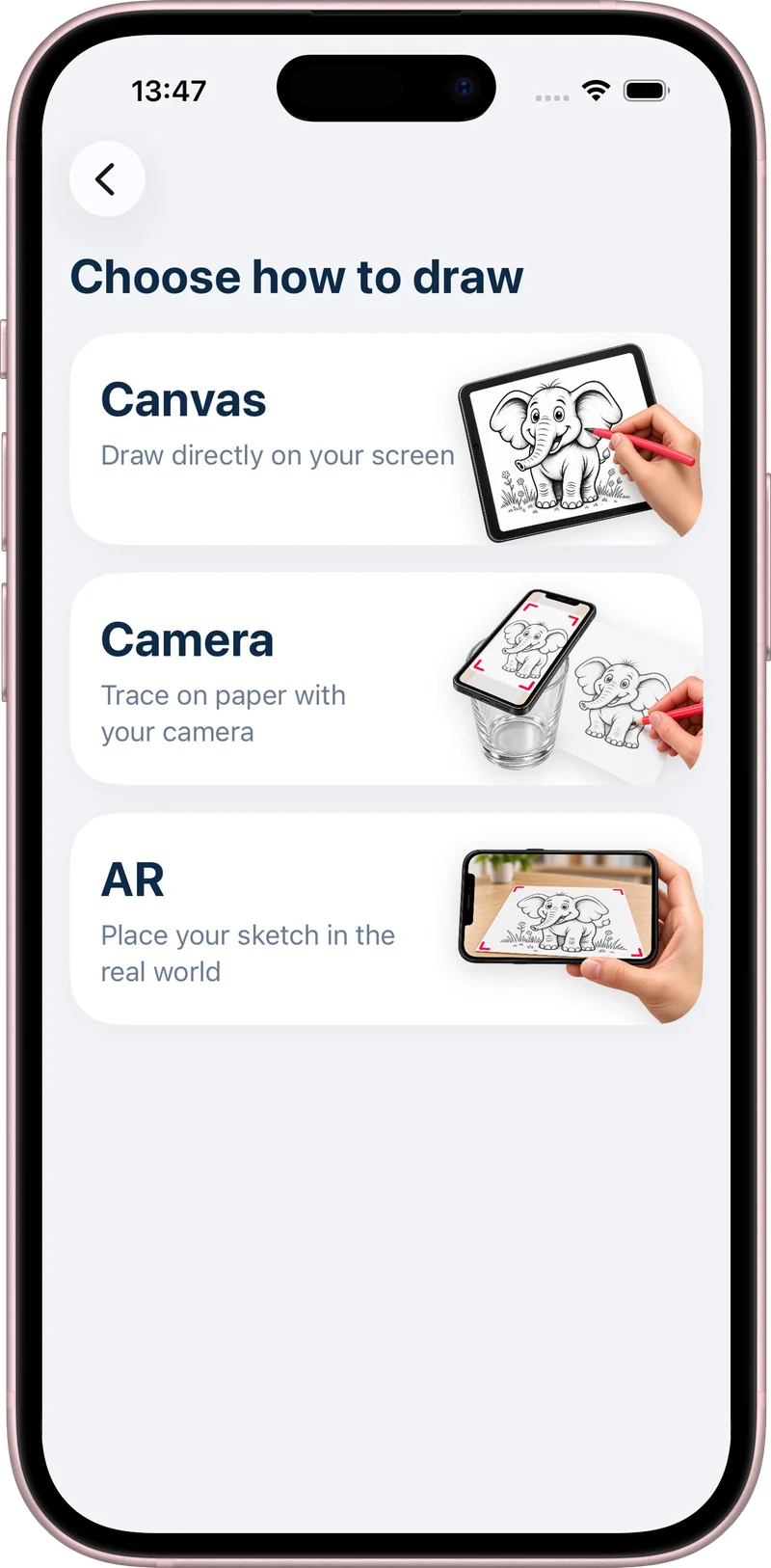
AR drawing overlays a reference image on your phone’s live camera view. You look at the screen while moving a real pencil across real paper. AR Drawing: Learn to Sketch lets you adjust the image opacity so the guide and your pencil marks remain visible together.

Free to download. Optional in-app purchases.
How to get started
- Choose a simple reference in the app.
- Secure your iPhone above a flat sheet of paper.
- Adjust the opacity so you can see the guide and paper.
- Follow the main outlines on screen, then finish on paper.
How does AR drawing work?
The reference appears on the display over the camera view. It gives you a visual guide for placing your lines while the camera shows your hand and paper beneath it. Your phone does not shine or project the outline onto the page.
Secure the phone before you begin. A stable overhead phone mount leaves your drawing hand free and helps you keep the guide aligned. Use a clear, well-lit surface with enough room to move your pencil.
Make the guide work for your drawing
Start with a simple outline that has large, readable shapes. Adjust the opacity until you can distinguish the reference from the marks on the paper. Trace the major edges lightly, then pause and check the page directly.
If the reference shifts, stop drawing and realign it using two landmarks you already traced. Avoid trying to correct the reference while continuing to draw; this often creates a second, mismatched outline.
Use tracing as one part of practice
Tracing can help you study where edges and shapes sit in a reference. To practice drawing independently, follow a tracing session with a fresh drawing from observation. Compare the width, height, and position of the largest forms.
The app is a drawing guide, and your pencil still makes every mark. Results depend on your setup, chosen reference, and practice. You do not need expensive pencils to start.
Before you start
Does the app project an image onto the paper?
No. The reference is displayed over the camera view on your phone screen. You watch the screen while drawing on the paper below the camera.
Do I need a phone stand?
A stable overhead mount is recommended for camera tracing. It keeps the phone steady and frees your hand. Avoid balancing your device on unstable objects.
Keep learning
How to use AR drawing: trace a photo on paper
Try a free illustrated drawing tutorial, or find a subject in our drawing ideas hub.