Drawing tools for iPhone & iPad
Trace with the camera, convert photos to sketches, or follow a drawing lesson.
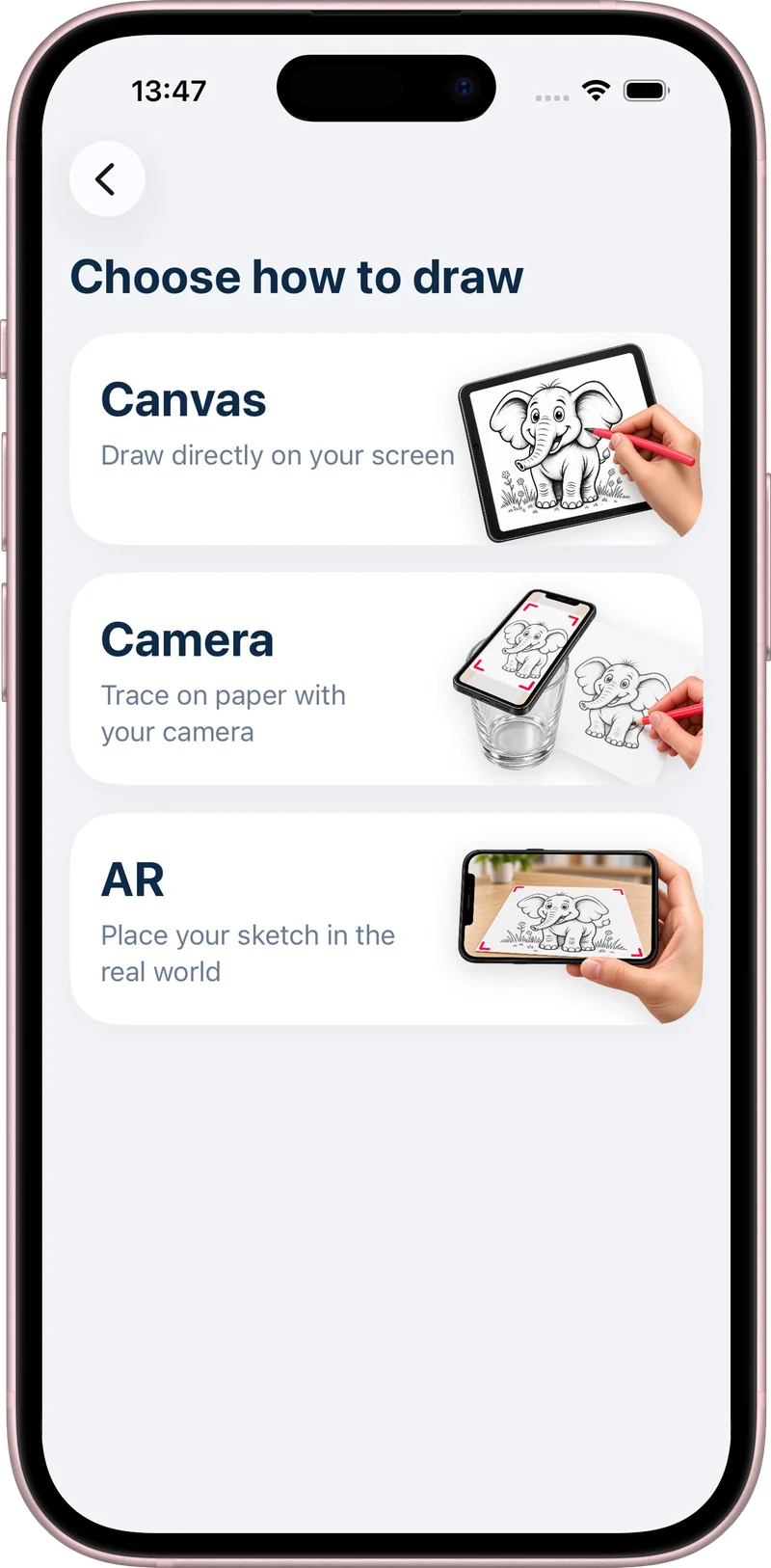
AR drawing on real paper
AR drawing overlays a reference image on your phone’s live camera view. You look at the screen while moving a real pencil across real paper. AR Drawing: Learn to Sketch lets you adjust the image opacity so the guide and your pencil marks remain visible together.
Explore AR drawing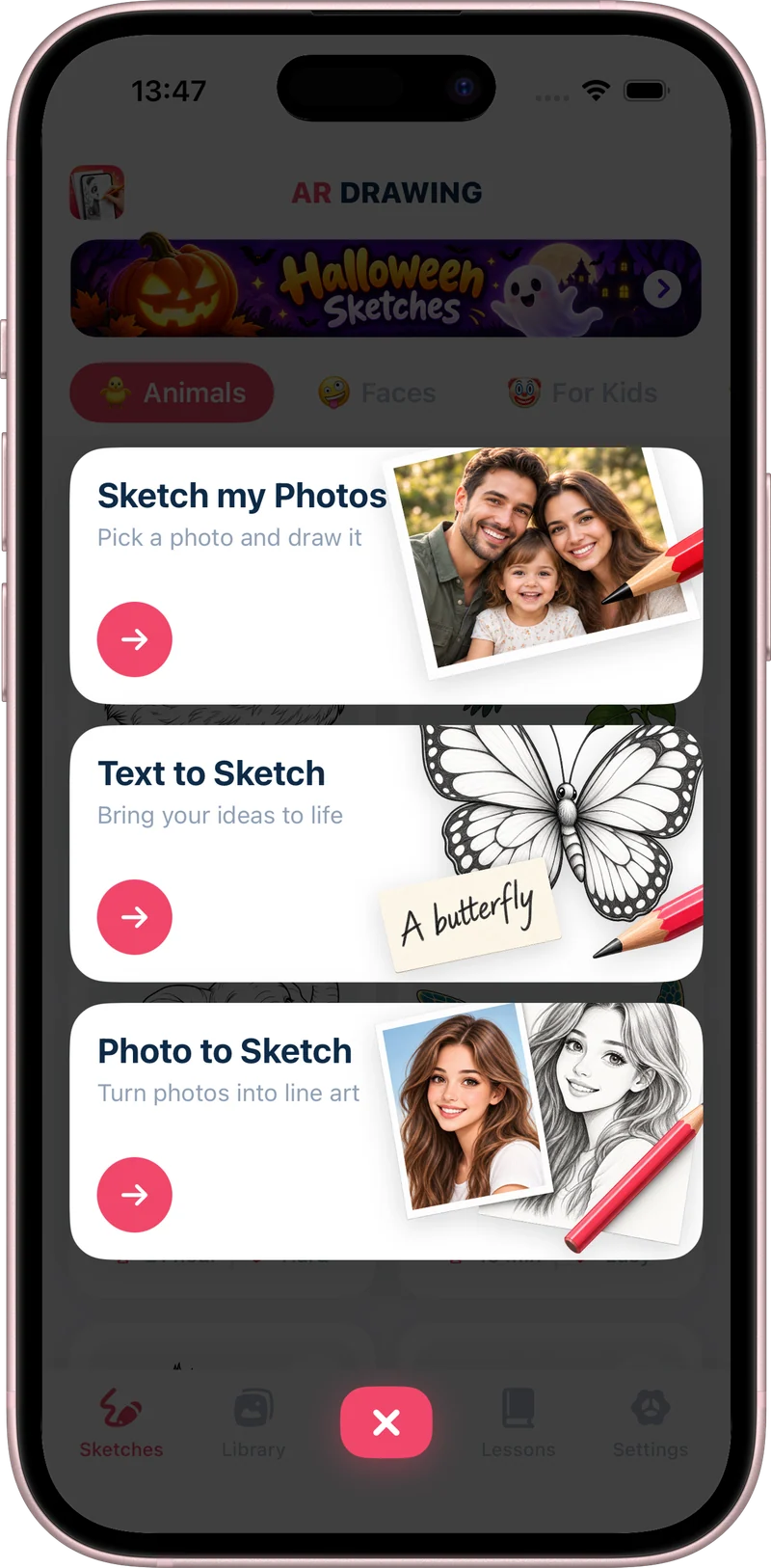
Photo to Sketch App for iPhone & iPad
Photo-to-sketch conversion turns a photo into a drawing reference that you can use for tracing and practice. AR Drawing: Learn to Sketch supports photo-to-sketch conversion alongside camera tracing. Start with a photo you own or have permission to use.
Explore photo to sketch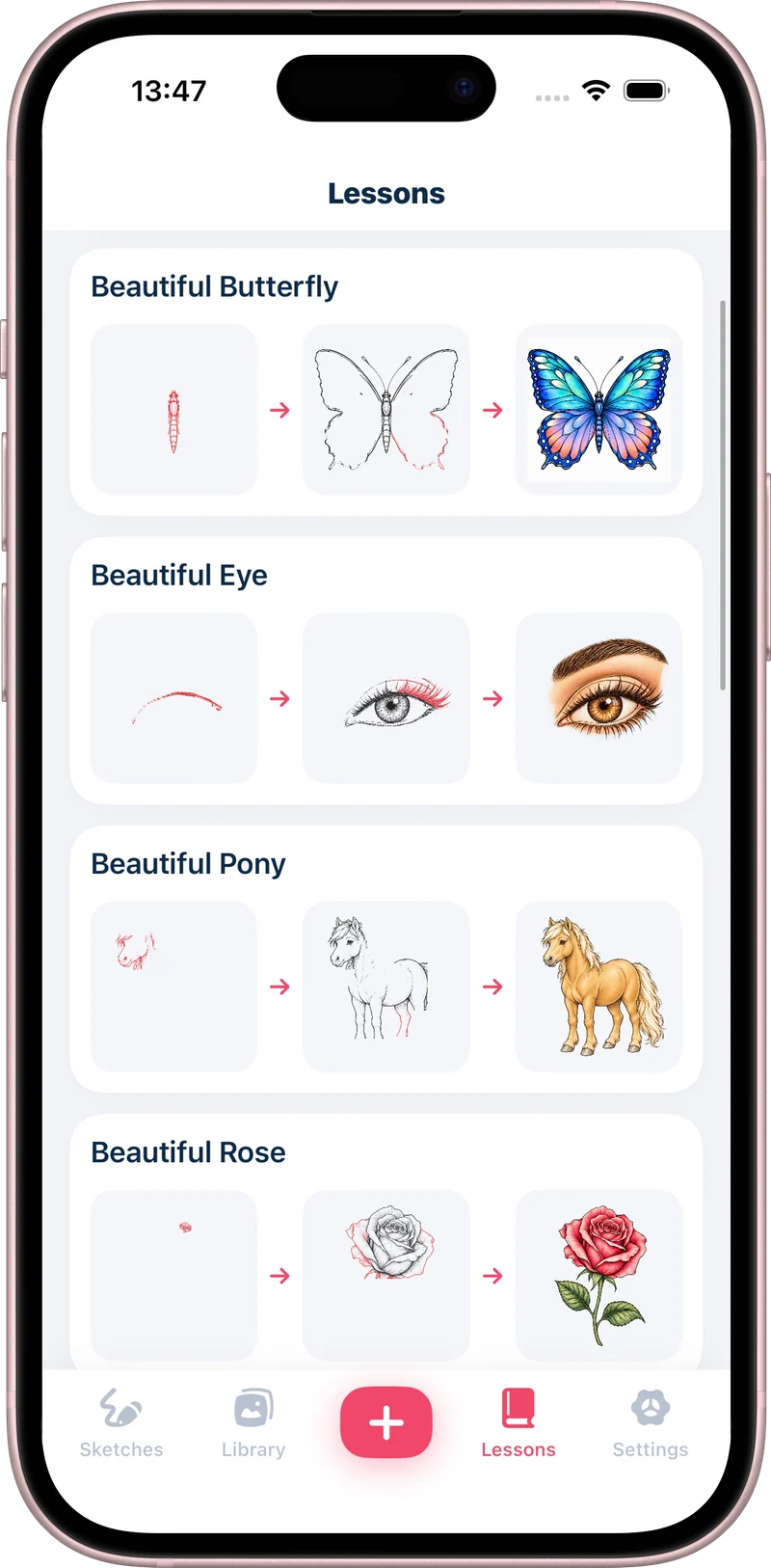
Build a drawing one step at a time
Follow 12 illustrated steps to draw a kitten, rose, butterfly, eye, pony, dragon, or landscape. The lessons below use artwork from AR Drawing: Learn to Sketch, so you can preview each stage here and continue practicing with the app.
Explore drawing lessons